






 01 / GET STARTED
First steps in the cage
Find the listed controls, give the game window focus, and prepare for a short session with no pause and no save. Learn where the shelter, the bottle and the wheel sit before you move fast.
READ QUICK STARTYour cage is cozy. Your owner is nearby. Something else is in the room.
Experience SeenThai's short, story-driven blend of absurd comedy and creeping horror from a hamster's point of view.
Press Load Game to open the game in the window below. Landscape orientation gives it more room on a phone.
Opening the window is only the first step. If the game shows its own loading bar, let it finish before testing the controls.
Click inside the room, then try a short WASD movement. The original release also lists mouse input; follow the controls shown by this browser build.
The original game has no pause or save. Reloading this page or the direct game tab may restart your session.
If the embedded game stays blank, use Open directly. For touch setup and recording prompts, see the browser edition guide. This is an independent game page; the original release is by SeenThai.
Seven more browser games, each with its own play page and quick guide.
Everything needed for a clean first run: the three official controls, a ten-minute plan, and the fixes for the problems players hit most. The full guide goes much deeper.
Keys do nothing? Click inside the game frame once — the page may have keyboard focus instead of the game.
Spacebar scrolls the page? Same cause. The browser owns the keyboard, not the hamster.
Frame stays blank? Use “Open directly” to load the same browser build in its own tab.
Cramped on a phone? Rotate to landscape, or open the build directly for a bigger view.


 01 / GET STARTED
Find the listed controls, give the game window focus, and prepare for a short session with no pause and no save. Learn where the shelter, the bottle and the wheel sit before you move fast.
READ QUICK START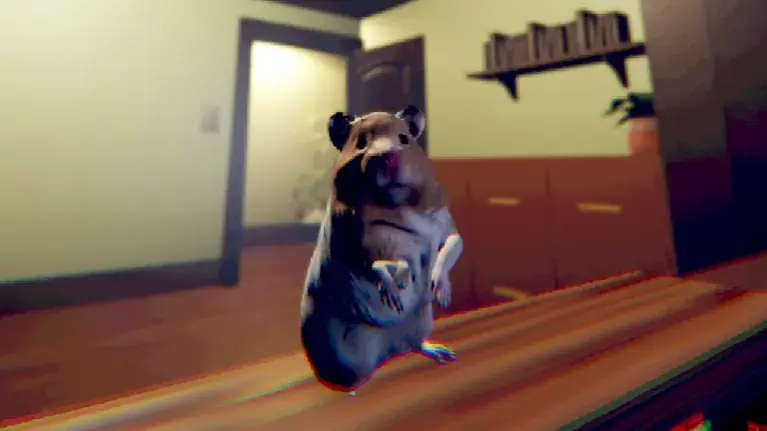 02 / WHEN YOU'RE STUCK
Check the last on-screen prompt, look around slowly, and work through common input or navigation problems — blank frames, page scrolling on Spacebar, and missed interactions.
TROUBLESHOOT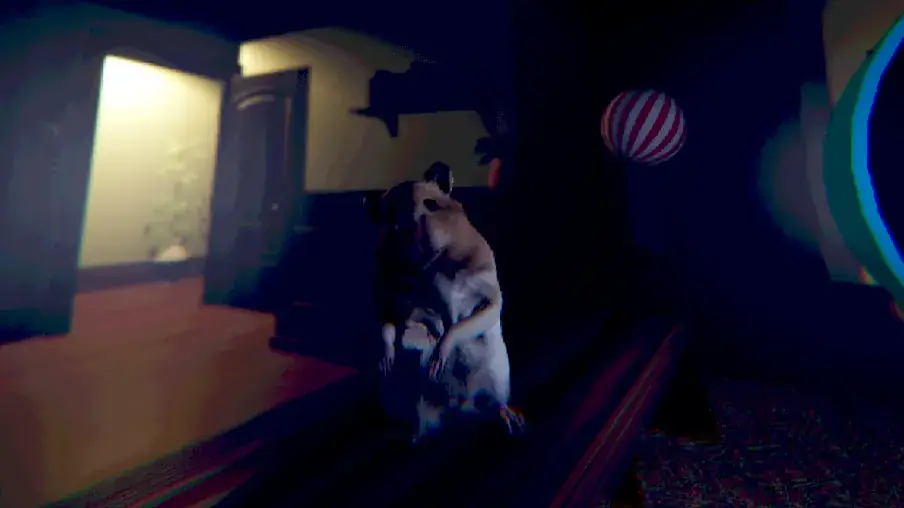 03 / AFTER PLAYING
Explore the shift from cute comedy to unease once you have finished. This part discusses the ending and the credits, so read it after your own run.
READ DISCUSSIONSix original images published on SeenThai's game page. Open any image to see the full-size game capture.
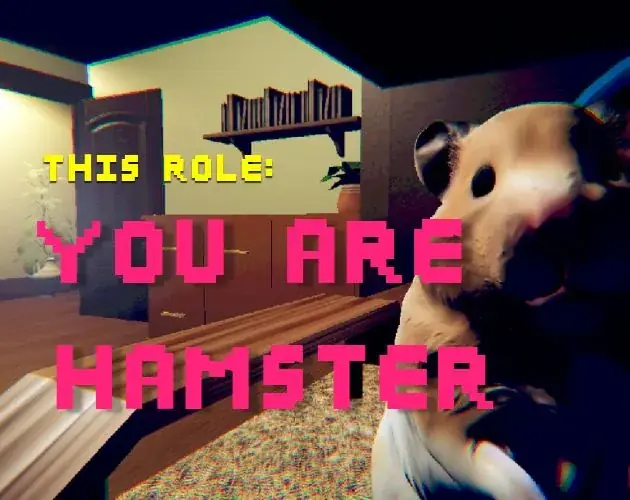
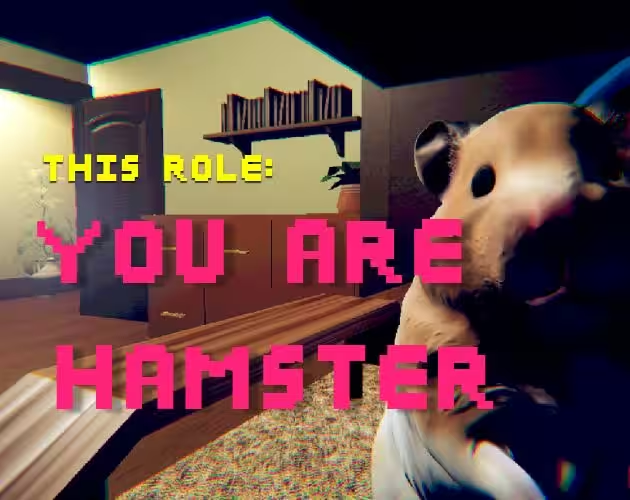
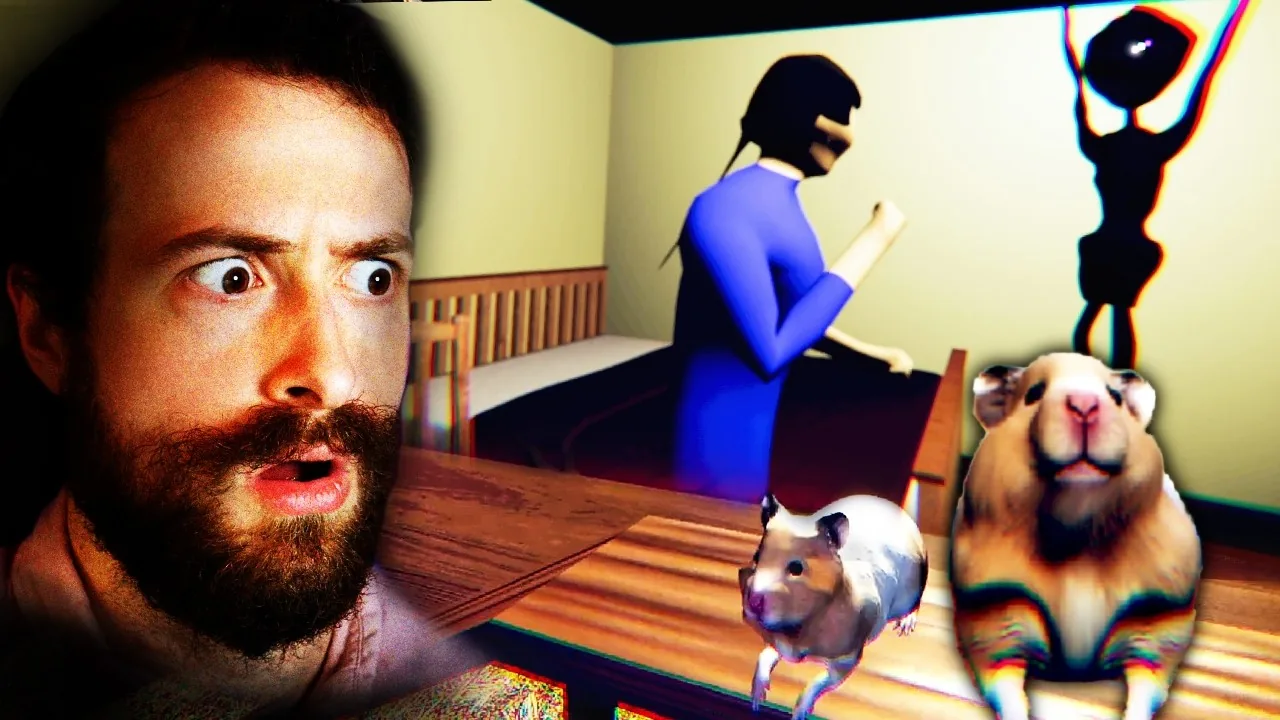
The official cover places the hamster front and center, with the owner's room just behind it.
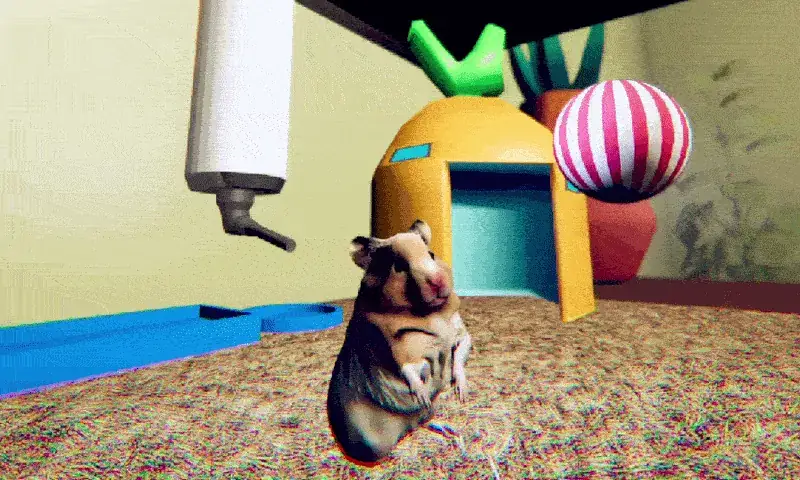
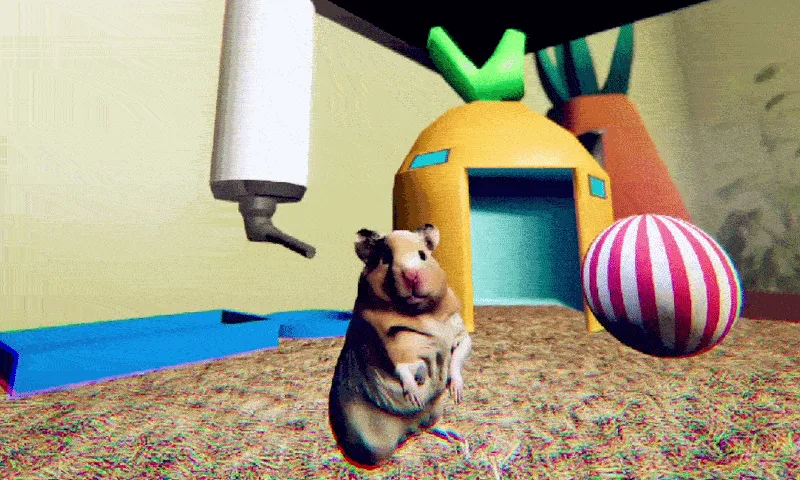
A water bottle, bedding, and a bright shelter make the hamster's cage feel safe at first glance.
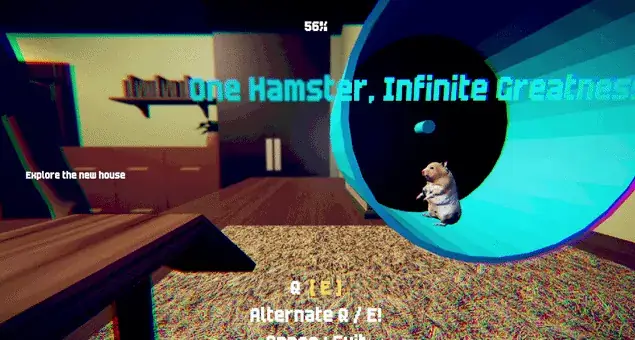
The wheel view opens onto the larger room, where in-game prompts invite you to explore.
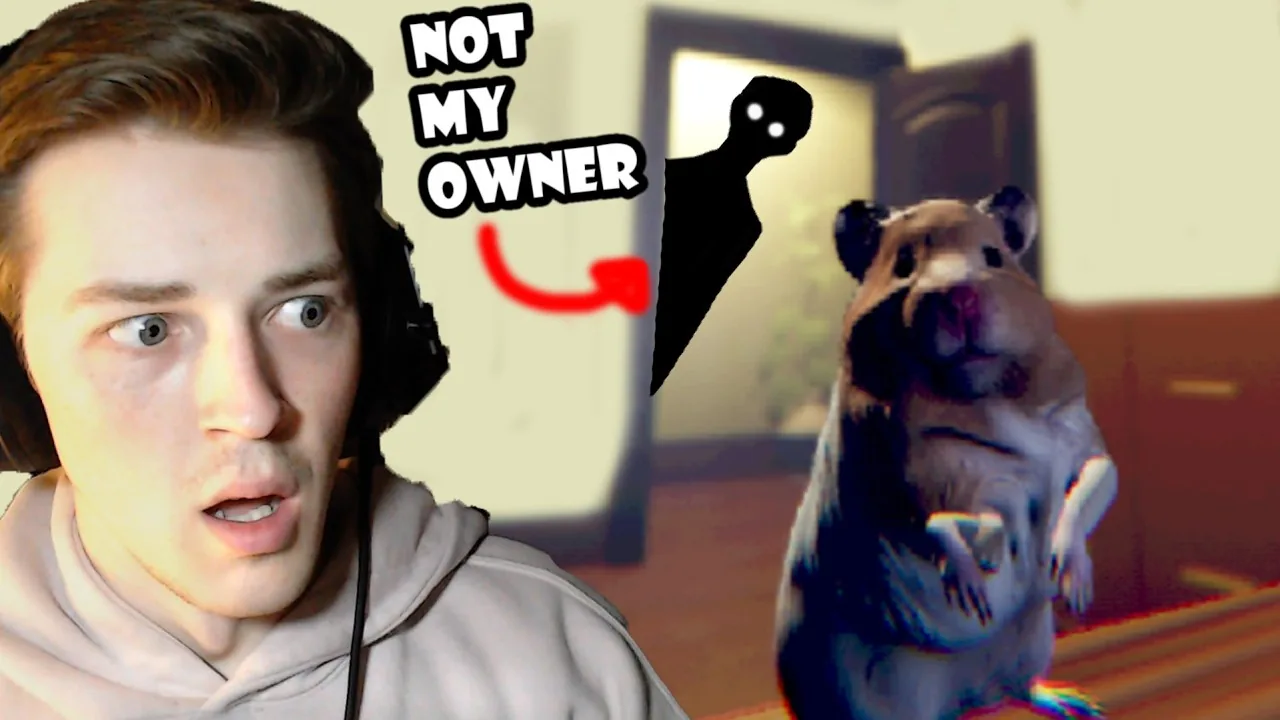
Once outside the cage, ordinary furniture and doorways become a much larger landscape.
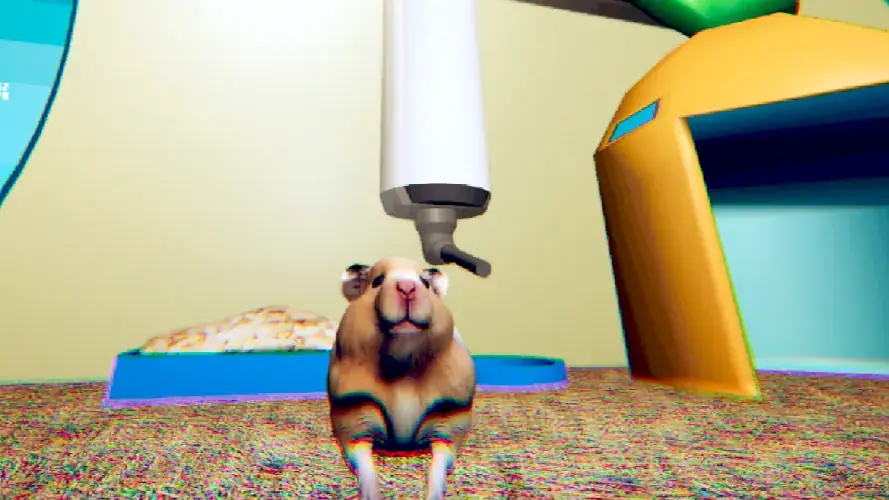
This direct game capture shows the hamster beneath the bottle, beside its shelter and bedding.
The same bedroom takes on a darker tone, echoing the game's shift from cute to uneasy.
All six images come from the original game page by SeenThai. Two stills come from the creator's animated game captures; no images were generated.
Two video introductions shared for this page. They may reveal moments from the short story.
At first, you're simply a hamster resting in a cage in your owner's room. Then you notice something your owner cannot see. The ordinary room starts to feel a little less ordinary.
That contrast is the heart of This Role: You are Hamster: cute on the surface, unsettling underneath. Stay aware of your surroundings as the short story unfolds.
BACK TO THE GAMEThe original game's listed keyboard controls are simple. Start by getting comfortable with moving and looking around.
Explore your surroundings from the hamster's perspective.
Use a jump when you need to navigate your environment.
Try interacting when you find something that draws your attention.
One sitting, one little mystery. The creator describes the original game as roughly 10 minutes long, with no pause or save feature. Browser and phone setup ↗
It is a short, story-driven game that mixes horror with absurd comedy. You play as a hamster in your owner's room.
SeenThai created and published the original game. Visit the creator's page for the original release and updates.
Load Game opens the embedded window; the game itself may still need to download and initialize. Wait for the in-game progress indicator before deciding it is stuck. If the frame stays blank, try Open Directly.
Click once inside the loaded game, then test WASD. The page and the game have separate keyboard focus.
This page embeds a touch-version game URL supplied for this site. Turn to landscape before loading, then use the controls visible in that build. A complete phone playthrough has not been verified here; behavior can vary by browser and device.
The page itself does not request microphone access. If the browser game offers a Skip option at a recording prompt, choose it to continue without granting access. Follow the prompt in your current build.
No save or pause feature is listed for the original game. Reloading or leaving this browser session may restart the story, so plan to finish in one sitting.
Yes. SeenThai has released This Role: You are Sheep as the second chapter. It has its own Windows download and controls; the player on this page is the hamster chapter.
No. YouAreHamster.com is an independent page about the game. The official original release is on SeenThai's itch.io page.
Need help starting, navigating, or understanding the ending? Read the full English guide with twelve real game images.