WASD
Move and look
Walk with the keys and turn with the mouse. Keep the exit route in mind while you explore.
A box of chocolates was scattered through the school. Someone is chasing you.
Find all thirteen pieces and get out. The browser build runs inside the player below — no download, no installer. Read the mode list and the control bindings before your first run, because the first ten minutes of chasing are the easy part.
Press Load Game to open the hosted browser build in the window below. It is a desktop game: use a keyboard and a mouse, and give the game window focus first.
The opening warning lists flashing lights, jump scares and loud sounds. If the frame stays blank or ignores input, use Open directly or the creator's own pages: itch.io and GameBanana. This site is an independent game page; the mod is by Wantho.
No puzzles to solve and no inventory to manage. It is a collection run: learn the corridors, count the chocolates, and save your sprint for the wrong moment.
Wait for the progress bar to finish, then click inside the game window. The keyboard and the mouse only reach the game when the canvas has focus, which is the most common reason nothing happens on the first click.
Start with Low Cortisol Mode if it is available. The mode menu calls it the easier option and the best first run, and it is the gentlest introduction to the school layout and the item system.
In Main Mode the objective is thirteen chocolates, scattered through different rooms. Interact when a prompt appears, and watch the on-screen counter so you always know how many are still out there.
Once the objective is complete, reach the exit. Keep stamina in reserve for dangerous corridors and for the final trip out — sprinting on empty is how a good run turns into a restart.
Explore one branch of the school at a time. Note a visible landmark before each turn, then return to the main corridor instead of wandering between unfinished branches. As the count nears thirteen, retrace only what you skipped.
The four modes. Low Cortisol Mode is the easy introduction. Main Mode is the standard thirteen-chocolate run. Baltazar Mode is an extra named mode worth trying once you know the building. Triple Trouble Mode is marked as harder and unsuitable for beginners — save it for a practiced route.
Playing on a phone? This one is the exception on this site. The build is a first-person desktop game and needs a keyboard and a mouse, so touch support is not confirmed. The frame still loads on a phone, but for a game you can actually play on a phone, try Kingdom of Marionettes or Online Obsession.
These come from the browser build's own Menu → Options → Controls screen, and you can change them there before you play.
Walk with the keys and turn with the mouse. Keep the exit route in mind while you explore.
Open doors and pick up a chocolate when the game prompts you to.
Use the selected item during a chase or at the right moment in a room.
Switch to the item slot you need for the corridor ahead.
Spend stamina to cross an exposed hall or to break away from a chase.
The controls screen lists Space for both actions; the effect depends on the situation.
Pause is Esc. It stops the run and returns you to the available menu options, so you can check the objective and the counter again.
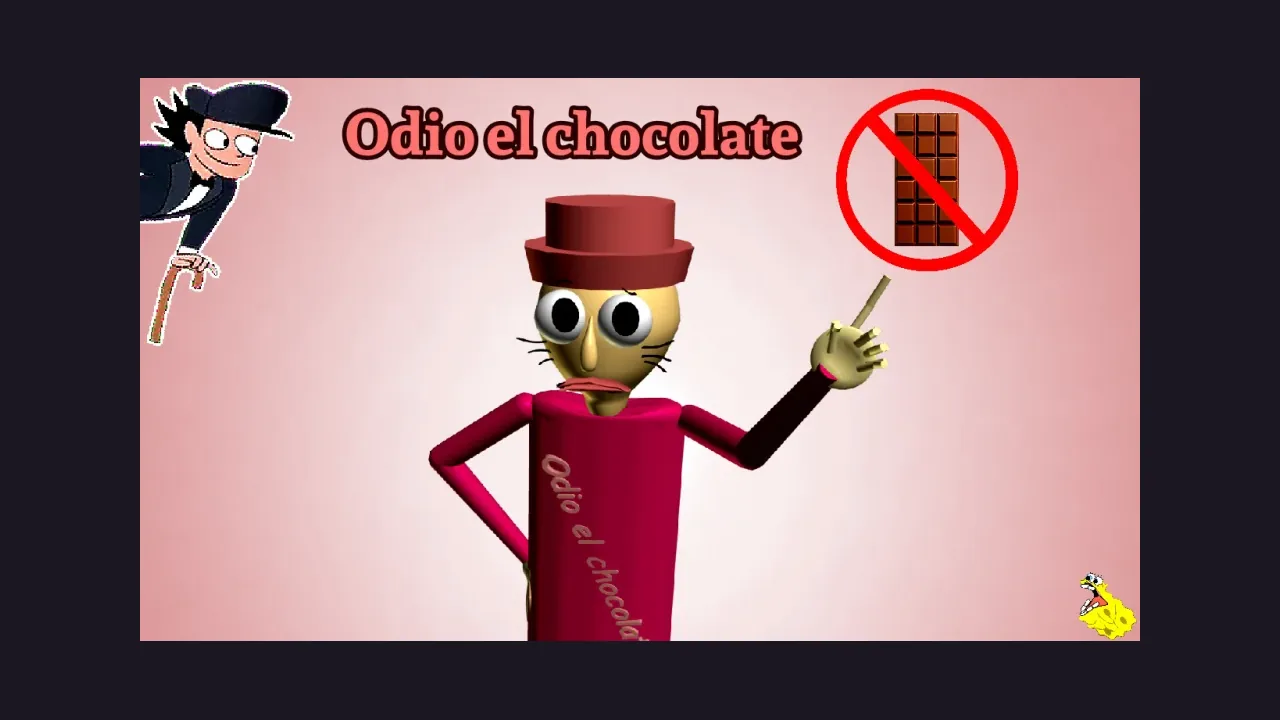
Odio el chocolate is a Baldi's Basics mod by Wantho, and the premise is almost too simple to be a trap: chocolates were scattered through different rooms of the school, and you have to find all thirteen of them. Then you leave. Something else is in the building, and it does not like you walking around its corridors.
What the mod does with that setup is the horror part. The school is a maze of similar hallways, so a run is a memory test: which branch did I already clear, which landmark did I note before I turned, and how much stamina do I have left for the exit. The counter on screen is the only thing telling you how close you are to done.
The build hosted here is a Unity WebGL test build. It is separate from the creator's official Windows download, which is where the full release lives. Inside, the mode menu decides how hard you want the school to be: Low Cortisol Mode is the gentle introduction, Main Mode is the standard thirteen-chocolate run, Baltazar Mode is an extra, and Triple Trouble Mode is explicitly not for beginners.
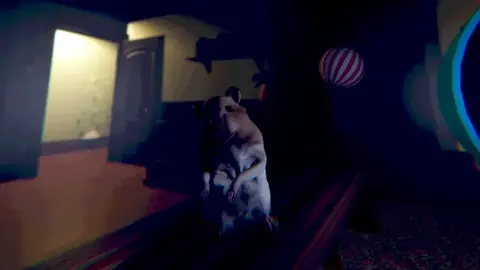
BACK TO THE GAMEThe creator's own art and real captures from the hosted browser build.
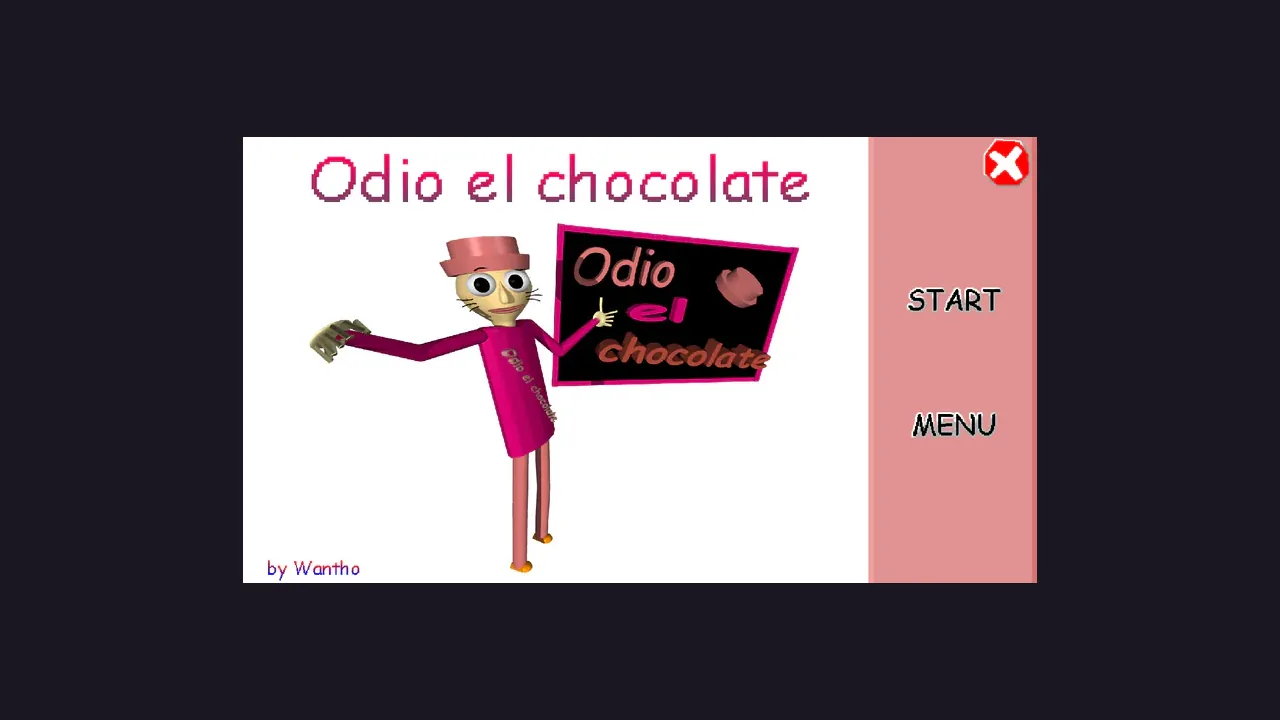
The pink character with the sign, the start button and the menu — the screen the creator's own build opens on.

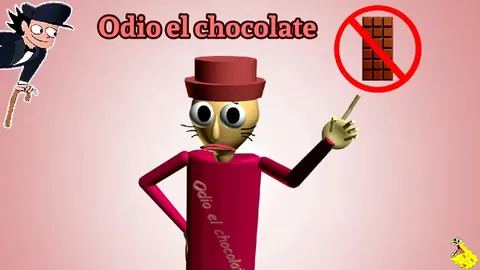
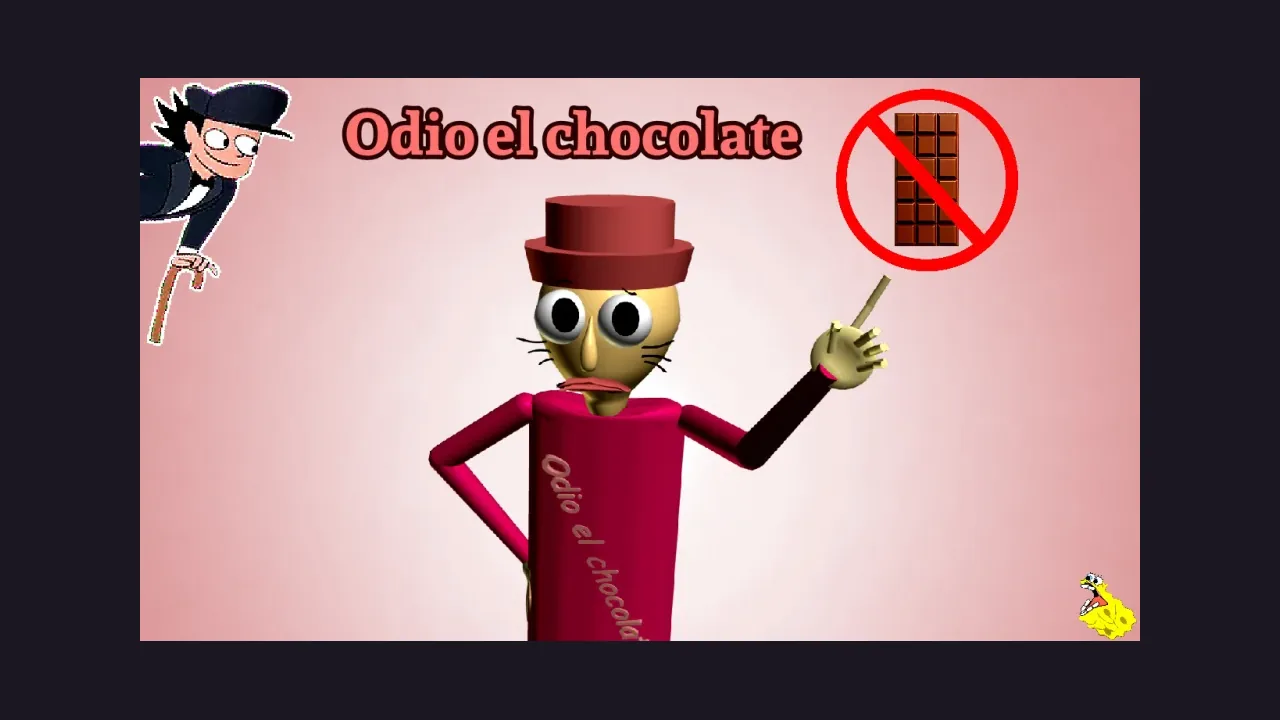
The character and the no-chocolate sign, straight from the creator's own mod listing.

The build's how-to-play screen is where the thirteen-chocolate objective and the mode list come from.
Look carefully and learn the layout — a remembered landmark is worth more than a lucky turn.
Images come from the creator's mod page and the hosted browser build. No AI generation, repainting or upscaling was used.
No. A browser build of the mod is hosted and plays inside the player on this page. The creator's official Windows download is a separate release and lives on their own pages.
Not really. This build needs a keyboard and a mouse, and the creator's own notes say mobile touch support has not been confirmed. The frame still loads on a phone, but the game expects a desktop. The two visual novels on this site do play on a phone.
Thirteen. They were scattered through different rooms, so you explore the school, pick them up with the interact button, and then reach the exit once the objective is complete.
Low Cortisol Mode, which the menu calls easier and best for a first run, Main Mode, an extra mode called Baltazar Mode, and Triple Trouble Mode, marked as harder and not suitable for beginners.
Wantho created it. It is published on itch.io and GameBanana, and this page is an independent browser guide rather than the official release page.
Four browser horror games that play inside the page. Three of them are playable on a phone.